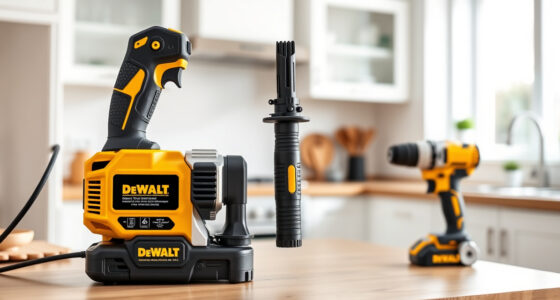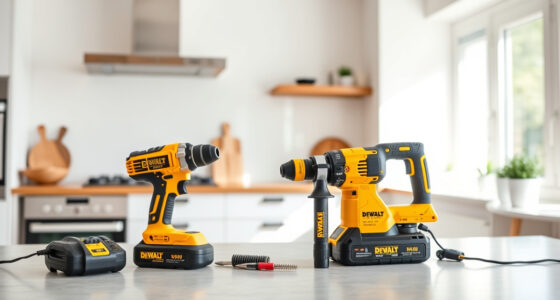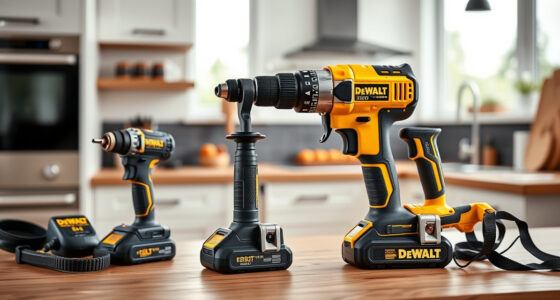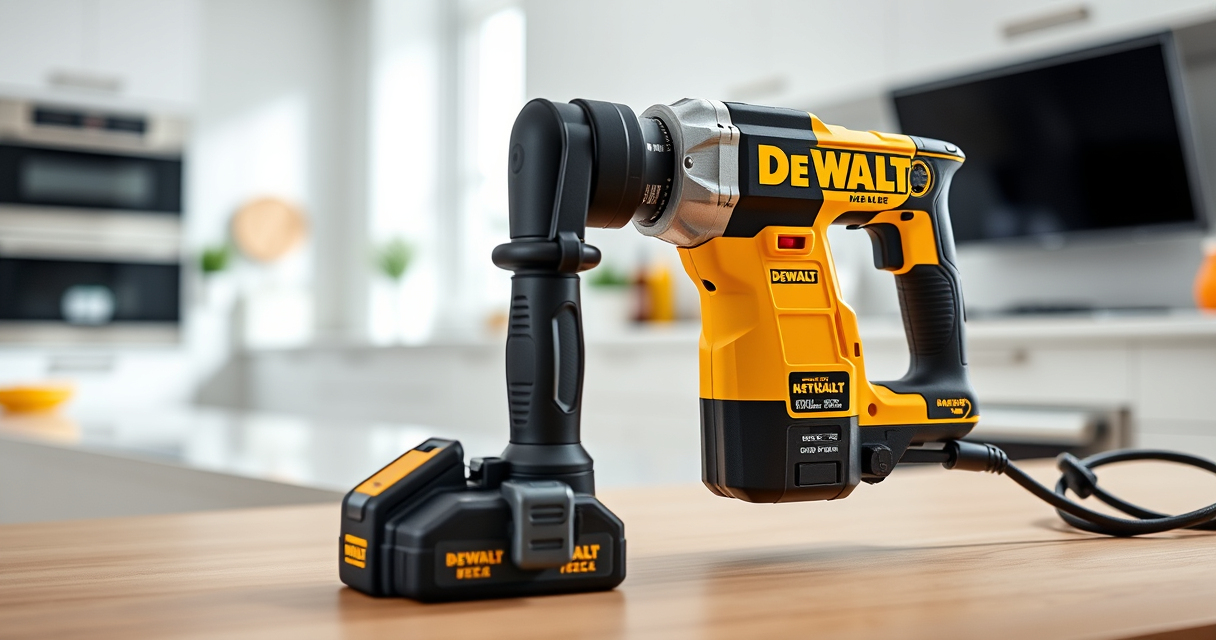

Overheating is a common issue faced by many users of DEWALT power tools, especially during prolonged or intensive use. It can lead to reduced performance, tool shutdowns, or even damage if not addressed promptly. Understanding the causes of overheating and how to troubleshoot them can help extend the lifespan of your tools and ensure safe operation.

Get garden gear delivered free with Prime
- Fast, free delivery on millions of items
- Prime Video, Amazon Music and more included
- Member-only deals all year
This guide provides practical, step-by-step instructions to diagnose and fix overheating in your DEWALT cordless drill and impact driver, specifically the DEWALT 20V MAX Cordless Drill and Impact Driver (ASIN: B0C3PQHGR7). Follow these tips carefully to keep your tools running smoothly and safely.
Key Takeaways
| Overheating Causes | Extended use, heavy loads, or obstructed vents can cause DEWALT tools to overheat. |
| Initial Checks | Inspect vents, battery, and tool for debris and proper connection. |
| Cooling Time | Allow the tool to cool down for at least 15-30 minutes before troubleshooting. |
| Proper Usage | Use the tool within recommended parameters and avoid continuous operation. |
| Maintenance Tips | Regular cleaning and battery management help prevent overheating. |
Understanding Why Your DEWALT Tool Overheats
Overheating in DEWALT power tools, like the 20V MAX Cordless Drill and Impact Driver, often occurs due to excessive workload or poor ventilation. When a tool is used continuously or on tough materials, the motor and battery generate heat. If heat dissipation isn’t sufficient—due to clogged vents, worn brushes, or high ambient temperatures—the internal temperature rises to unsafe levels, triggering thermal shutdowns or even damage.
Additionally, using incompatible or damaged batteries can cause overheating. The tool’s electronic components are designed to operate within specific temperature ranges, so exceeding these limits can impair performance and longevity.
Step 1: Safely Power Down and Cool Your Tool
- Immediately stop using the tool when you notice it overheating or if it feels excessively hot to touch.
- Unplug or remove the battery from the tool to prevent any electrical damage or safety hazards.
- Place the tool in a well-ventilated area, away from direct sunlight or heat sources.
- Allow the tool to cool down for at least 15-30 minutes before inspecting or attempting repairs.
Step 2: Inspect for Blockages and Damage
- Check the vents for dust, debris, or obstructions. Use compressed air or a soft brush to clear any blockages carefully.
- Examine the battery for swelling, corrosion, or dirt. Clean terminals with a dry cloth if needed.
- Inspect the tool’s exterior for cracks, loose parts, or damage that might impair cooling or operation.
Step 3: Test with a Known Good Battery
If you suspect the battery is causing overheating, try replacing it with a known good, fully charged DEWALT 20V MAX 5 Ah Lithium-Ion Battery (ASIN: B00KQU1ENG). This helps determine whether the issue stems from the battery or the tool itself.
Ensure the battery is seated properly and that the contacts are clean. Avoid using damaged or incompatible batteries, as they can cause overheating or poor performance.
Step 4: Use the Tool Correctly and Avoid Overloading
Operate the drill or impact driver within its intended limits. Avoid forcing the tool through dense materials or using it for extended periods without breaks. Use appropriate drill bits (like the DEWALT Drill Bit Set, ASIN: B07DH55YRX) designed for the specific material to reduce strain and heat buildup.
Implement proper technique by avoiding sudden starts or stops, which can generate extra heat and stress on internal components.
Step 5: Maintain and Service Your Tool Regularly
- Clean the vents and exterior regularly to prevent dust buildup that impairs cooling.
- Check the brushes and internal parts periodically, replacing worn components as needed.
- Store the tool in a cool, dry place to prevent temperature-related issues.
The Products in This Guide

DEWALT 20V MAX Cordless Drill and Impact Driver
- ✔ Battery Capacity: 2 x 20V MAX 5Ah batteries
- ✔ Tool Length: 7.6 inches
- ✔ Weight: Lightweight and balanced

DEWALT Drill Bit Set
- ✔ Number of Bits: 14
- ✔ Tip Type: Split point
- ✔ Coating: Black & gold
DEWALT 20V MAX Cordless Drill and Impact Driver
The DEWALT 20V MAX Cordless Drill and Impact Driver (ASIN: B0C3PQHGR7) offers a lightweight, ergonomic design with powerful brushless motors. It’s ideal for tight spaces and various projects, featuring LED visibility and quick-change chucks. Proper maintenance and mindful use can prevent overheating and ensure optimal performance.
Pros:
- Lightweight and compact design
- Brushless motors for efficiency
- Includes 2 batteries and charger
- Ergonomic grip for comfort
Cons:
- Can overheat with excessive workload
- Battery life may vary with intensive use
- Vents can clog if not cleaned
Best for: DIYers and professionals needing a reliable cordless drilling and driving solution
Not ideal for: Heavy-duty continuous industrial applications
Bottom line: A versatile, reliable power tool combo that benefits from regular maintenance and proper operation to prevent overheating.
DEWALT Drill Bit Set
Pair your DEWALT drill with this durable 14-piece drill bit set, featuring 135-degree split points and heavy-duty high-speed steel. It reduces walking and improves drilling accuracy, making your projects easier and more efficient.
Pros:
- Durable high-speed steel
- Reduces walking on start
- Includes multiple sizes
- Corrosion-resistant coating
Cons:
- Requires proper bit maintenance
- Not suitable for heavy industrial use
- Limited size range for some tasks
Best for: DIY projects, woodworking, metalworking, and plastic drilling
Not ideal for: Heavy industrial or continuous drilling tasks
Bottom line: A versatile drill bit set that enhances your drilling precision and durability across a variety of materials.
Frequently Asked Questions
What should I do if my DEWALT tool overheats?
Stop using the tool immediately, unplug or remove the battery, and allow it to cool in a well-ventilated area for at least 15-30 minutes before inspecting for debris, damage, or blockages.
How can I prevent my DEWALT tool from overheating?
Use the tool within its recommended workload, regularly clean vents, avoid continuous operation, and ensure batteries are in good condition and properly charged.
Can I use my DEWALT tool in hot environments?
While DEWALT tools are designed for various conditions, high ambient temperatures can accelerate overheating. Store and operate the tool in a cool, shaded area whenever possible.
Is it safe to continue using the tool after it overheats?
No, overheating can cause internal damage or safety hazards. Always allow the tool to cool down completely before resuming use.
How often should I clean the vents on my DEWALT power tool?
Check and clean the vents regularly—ideally after every few uses—to prevent dust and debris buildup, which impairs cooling.
Keeping Your DEWALT Power Tools Cool and Performing
Overheating can be a frustrating issue, but with proper use, maintenance, and timely troubleshooting, you can prevent damage and extend the life of your DEWALT power tools. Always prioritize safety by allowing your tools to cool down before inspecting or repairing, and use the recommended accessories and batteries for optimal performance. Regular cleaning and proper operation habits will ensure your tools remain reliable for all your projects.
Affiliate disclosure: As an Amazon Associate we earn from qualifying purchases. Prices and availability are accurate as of the time of publishing.
Evergreen bestsellers Picks
bestsellers
As an affiliate, we earn on qualifying purchases.